Orxivar
Frame Set
Frame Set
Couldn't load pickup availability
Self-paced learning overview
- 📥 Digital file available after purchase
- ♾️ Long-term availability
- 🔒 Secure checkout
- 🗓️ Content updated in 2026
1. Problem Statement
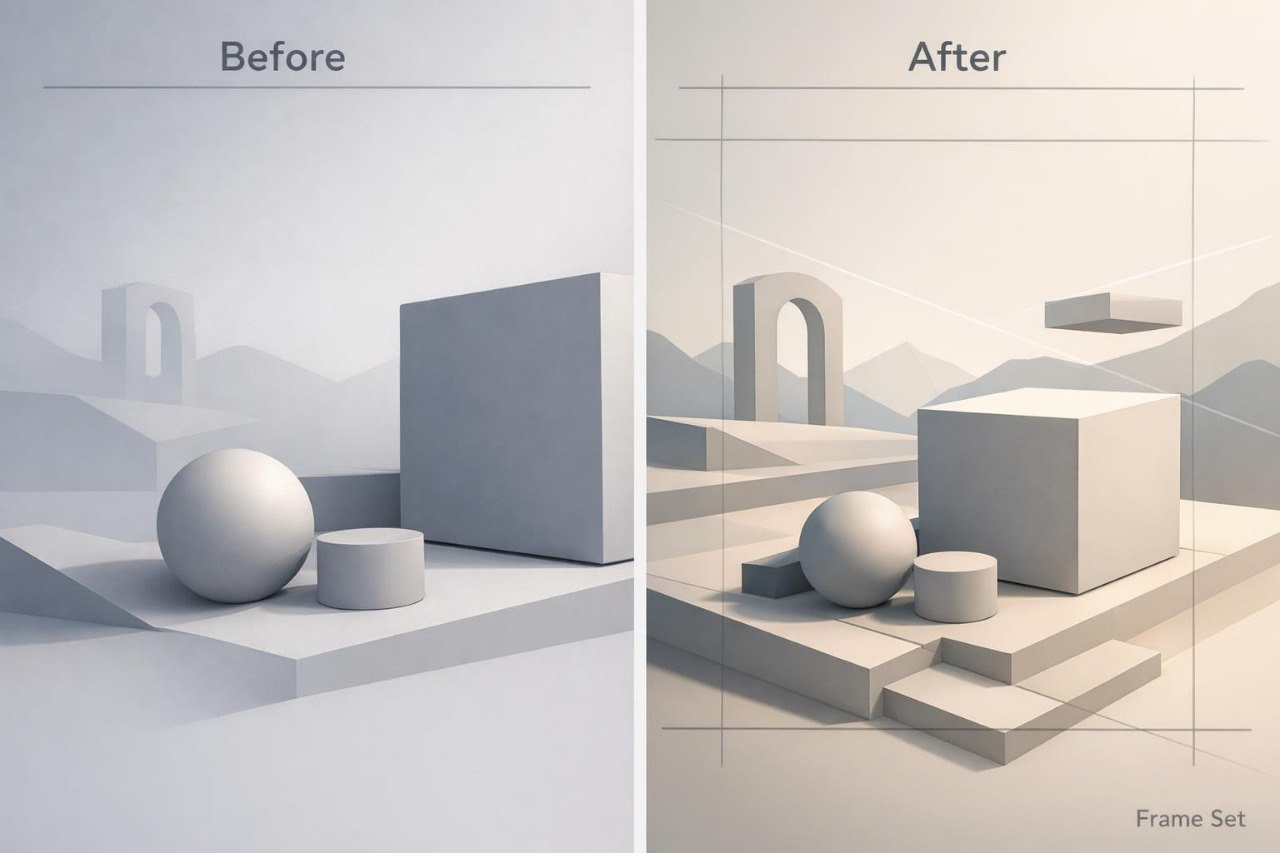
Struggling to choose a viewpoint that communicates the form and character of a 3D scene? You are not alone: thoughtfully created objects can lose their visual impact when framing or viewing angles are selected without a clear purpose. Too much empty space can weaken the focal point, while dense placement may make the composition feel crowded. Changes in height, distance, or viewing direction can also alter the perception of scale and depth. Frame Set explains how to plan the frame before adding scene details and how to guide the viewer’s attention through deliberate choices.
2. Solution
This course will teach you to treat framing as a separate stage of the 3D visual design process. You will explore how perspective, directional lines, and spatial layers shape the structure of an image. The materials demonstrate how to prepare several versions of one scene and compare them using defined criteria. Practical exercises cover wide, medium, and detail-focused views. For the final project, you will prepare a connected sequence of three frames based on one scene.
3. What’s Inside
Module 1: Framing Fundamentals
Study frame boundaries, focal points, negative space, and the distribution of visual weight. This module explains how the placement of the main object affects the complete scene.
Module 2: Viewpoint and Scale
Compare low, high, and neutral viewpoints. Exercises demonstrate how viewing direction changes the perception of object size, distance, and character.
Module 3: Perspective and Direction
Explore directional lines, spatial reduction, and object placement in relation to the viewer. You will prepare several scene layouts with different movement directions.
Module 4: Foreground, Middle Ground, Background
Work with three spatial layers and examine how they interact. The module covers overlap, distance, and separation between the main object and its surroundings.
Module 5: Cropping and Visual Emphasis
Examine how partial framing can communicate scale, movement, or detail. Examples show when cropping supports the composition and when it removes important visual information.
Module 6: Lighting the Frame
Learn how illuminated areas can support the main compositional focus. You will compare several lighting arrangements for one selected viewpoint.
Module 7: Three-Frame Scene Project
Create a wide view, a medium view, and a detail-focused view of one scene. All three images should share a connected visual style, consistent lighting, and a readable sequence.
4. Who Is This For?
✅ A good fit if you:
- have already created scenes with several objects;
- want to work more carefully with viewpoint and perspective;
- are interested in frame composition;
- want to prepare connected image sequences;
- are ready to compare several versions of one scene.
❌ Not a fit if you:
- have not yet studied foundational forms and spatial layers;
- need materials focused only on technical controls;
- do not plan to complete composition exercises;
- require individual review of every assignment;
- need training tied to a named digital environment.
5. What You’ll Learn
After working through the course materials, you will be able to:
- prepare three framing options for one scene;
- compare different viewing positions;
- arrange objects across three spatial layers;
- use directional lines to establish movement;
- define the primary compositional focus;
- manage negative space around an object;
- examine how cropping affects perceived scale;
- connect viewpoint choices with lighting emphasis;
- prepare a sequence of three related images;
- review each frame using defined composition criteria.
6. 30-Day Refund Policy
Frame Set includes a 30-day period for submitting a refund request under the terms published on the Orxivar website. Requests should be sent within the stated period and include the relevant order details. Learners should review the complete conditions, possible exceptions, and request procedure before placing an order.
7. Certificate
After completing all required modules and the final project, learners receive a digital Orxivar certificate. The certificate states the course title and the subject areas covered within the curriculum.
1. What format do the courses use?
1. What format do the courses use?
Orxivar courses are divided into ordered modules with written explanations, visual examples, and practical exercises. Learners can study at their own pace and return to earlier topics whenever further review is helpful.
2. Do I need previous 3D visual design experience?
2. Do I need previous 3D visual design experience?
This depends on the selected plan and its curriculum. Introductory plans cover foundational concepts, while broader plans explore detailed scenes, visual structure, and more advanced design topics.
3. How long does a course take?
3. How long does a course take?
The study period depends on your schedule, the number of modules, and the time you dedicate to practice. Topics are arranged in a clear sequence, allowing you to study them in manageable sections.
4. Is a certificate included?
4. Is a certificate included?
Yes. After completing all required sections and assigned activities, learners receive a digital Orxivar certificate showing the name of the completed course.
Share