Orxivar
Flow Course
Flow Course
Couldn't load pickup availability
Self-paced learning overview
- 📥 Digital file available after purchase
- ♾️ Long-term availability
- 🔒 Secure checkout
- 🗓️ Content updated in 2026
1. Problem Statement
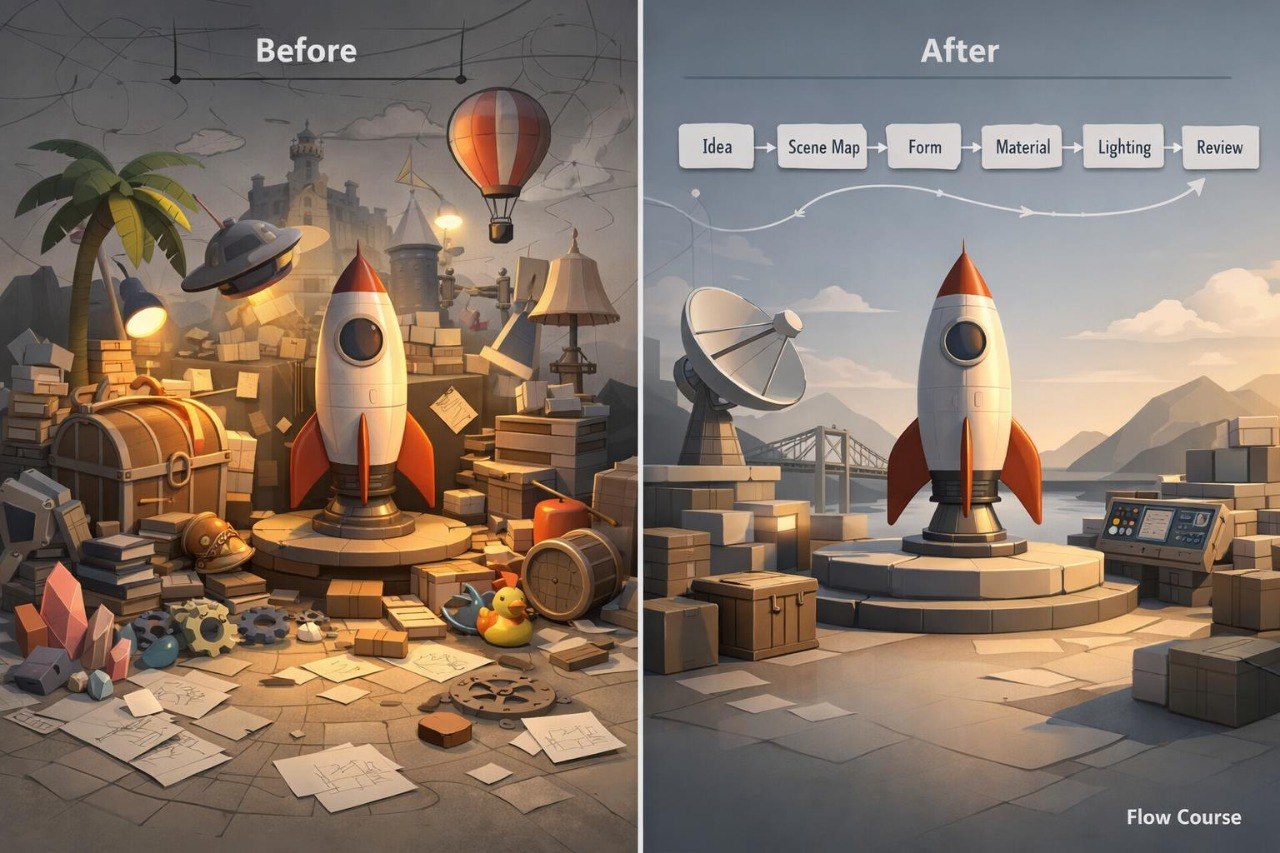
Struggling to maintain a connected 3D scene from the first concept to the final frame? You are not alone: compositions often change during production, objects lose their relationship, and lighting or materials begin competing for attention. Even an interesting concept can become unclear when the stages of scene creation do not follow one visual structure. Adding details without an initial plan may overcrowd the frame and weaken the primary focus. Flow Course explains how to move from an idea to a finished sequence through an organized design process.
2. Solution
This course will teach you to divide 3D scene creation into clear stages. You will explore how to define a theme, establish a visual direction, and translate an idea into a spatial layout. Dedicated modules cover form, materials, lighting, detail, and scene review. Practical exercises help you document decisions at each stage and compare alternative arrangements. For the final assignment, you will create one complete scene and a sequence of frames that present its structure.
3. What’s Inside
Module 1: From Idea to Visual Direction
Define the scene theme, atmosphere, primary forms, and spatial character. The module includes an exercise for preparing a concise visual plan without reference to a named digital environment.
Module 2: Scene Mapping
Prepare a spatial layout containing a main object, supporting elements, and several depth layers. The module focuses on scale, distance, and viewing direction.
Module 3: Form Development
Explore how foundational forms can develop into more detailed objects. You will decide which areas require detail and which areas should remain visually restrained.
Module 4: Material Relationships
Examine combinations of matte, smooth, textured, and reflective surfaces. The assignment focuses on building a readable material system without overcrowding the scene.
Module 5: Lighting Structure
Create lighting that supports the focal point, spatial layers, and overall atmosphere. Topics include lighting direction, contrast, and the relationship between light and dark areas.
Module 6: Detail and Restraint
Learn how to identify details that contribute to the scene and elements that introduce unnecessary visual noise. You will compare two versions of the same frame.
Module 7: Visual Continuity
Study shared styling, repeated forms, lighting relationships, and color connections across an image sequence. You will prepare several frames from one environment.
Module 8: Scene Review
Review composition, materials, scale, lighting, and readability with a structured set of criteria. You will then make considered revisions based on the review.
Module 9: Flow Scene Project
Create one finished 3D scene and prepare four frames: a wide view, a medium view, and two detail-focused viewpoints. The sequence should follow one connected compositional and visual structure.
4. Who Is This For?
✅ A good fit if you:
- have experience with form, perspective, and composition;
- want to organize the full scene-building process;
- are interested in material and lighting relationships;
- want to create complete image sequences;
- are prepared to review and revise your own decisions.
❌ Not a fit if you:
- have not yet studied foundational 3D design concepts;
- need only technical instructions;
- do not plan to complete a final scene;
- require individual sessions at every stage;
- need training connected to a named digital environment.
5. What You’ll Learn
After working through the course materials, you will be able to:
- define a scene theme and visual direction;
- prepare a spatial map before adding detail;
- arrange objects across several depth layers;
- select different detail levels for scene areas;
- combine several surface types;
- build lighting around the primary focus;
- remove elements that overcrowd the composition;
- prepare four connected scene frames;
- review a scene using defined criteria;
- present a finished project with consistent visual structure.
6. 30-Day Refund Policy
Flow Course includes a 30-day period for submitting a refund request under the terms published on the Orxivar website. Requests should be submitted within the stated period and include the relevant order information. Learners should review the full conditions, evaluation procedure, and possible exceptions before placing an order.
7. Certificate
After completing all required modules and the final scene project, learners receive a digital Orxivar certificate. It includes the course title and the main subject areas covered throughout the curriculum.
1. What format do the courses use?
1. What format do the courses use?
Orxivar courses are divided into ordered modules with written explanations, visual examples, and practical exercises. Learners can study at their own pace and return to earlier topics whenever further review is helpful.
2. Do I need previous 3D visual design experience?
2. Do I need previous 3D visual design experience?
This depends on the selected plan and its curriculum. Introductory plans cover foundational concepts, while broader plans explore detailed scenes, visual structure, and more advanced design topics.
3. How long does a course take?
3. How long does a course take?
The study period depends on your schedule, the number of modules, and the time you dedicate to practice. Topics are arranged in a clear sequence, allowing you to study them in manageable sections.
4. Is a certificate included?
4. Is a certificate included?
Yes. After completing all required sections and assigned activities, learners receive a digital Orxivar certificate showing the name of the completed course.
Share